Project management, connected
Flexible project management software for teams that get things done
Manage your projects, notes, and chat in one place. OCS adapts to any project and keeps everything organized so your team delivers on time.
No credit card.
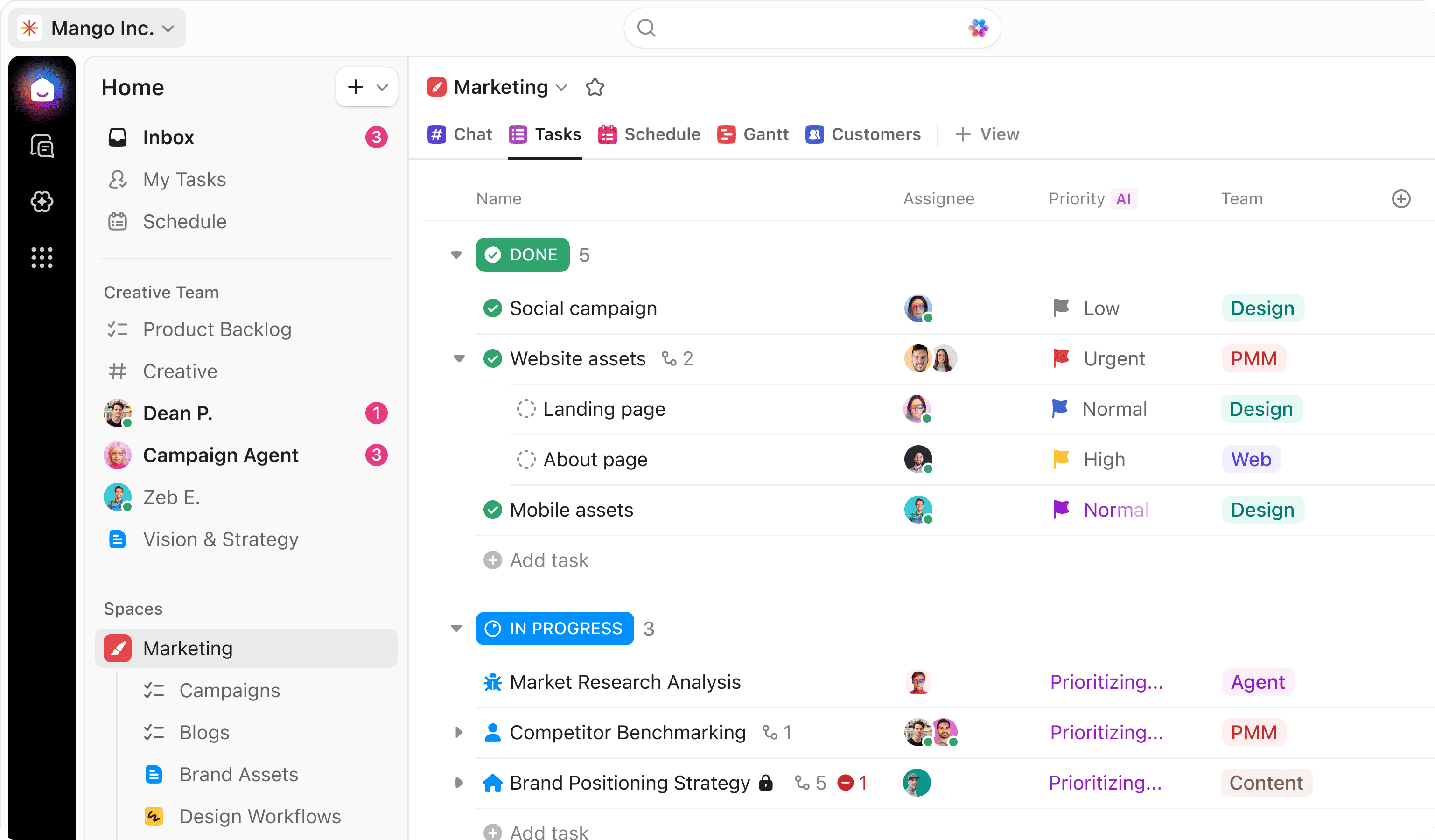
The OCS way
Project management is broken, we fixed it
Disconnected tools sabotage projects. OCS brings everything into one place so teams focus on delivering their best work, not managing tools.
The old way
- Projects scattered across multiple tools
- Critical info hidden in siloed systems and meetings
- Manual updates and repetitive work strain capacity
- Missed deadlines and tasks cause bottlenecks
The OCS way
- All projects, docs, and chat in one platform
- Instantly find anything across all tools
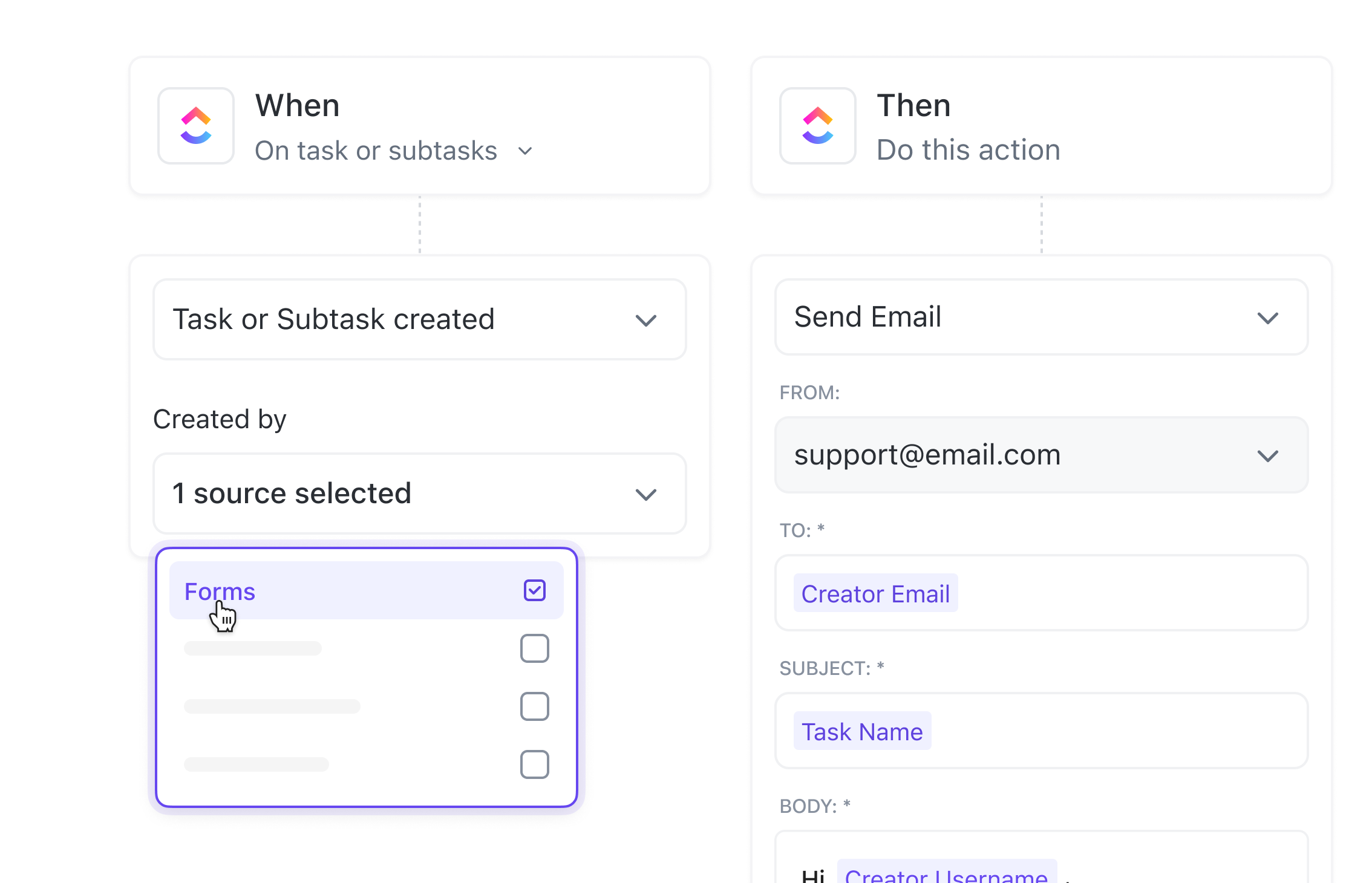
- Automated reporting, updates, and resource management
- Custom fields and templates keep tasks, dependencies, and deadlines organized
Project Planning and Setup
Plan and launch any project with ease
Transform project ideas into trackable plans with clear organization and ownership that set your team up for success.
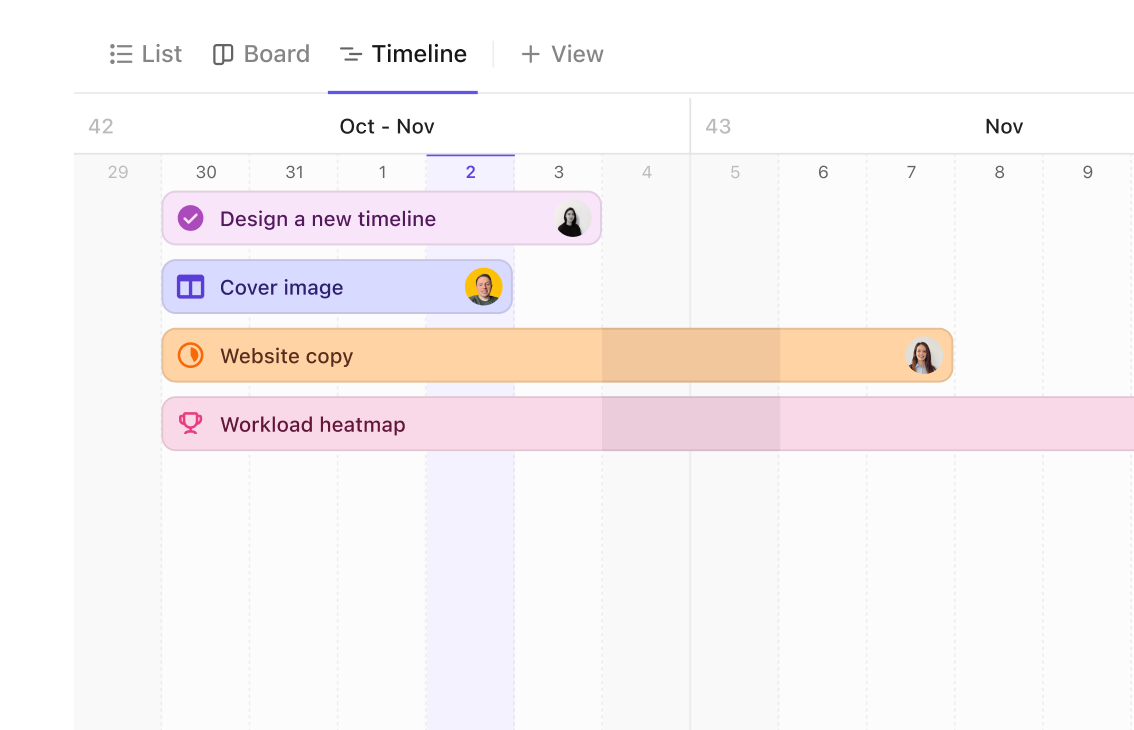
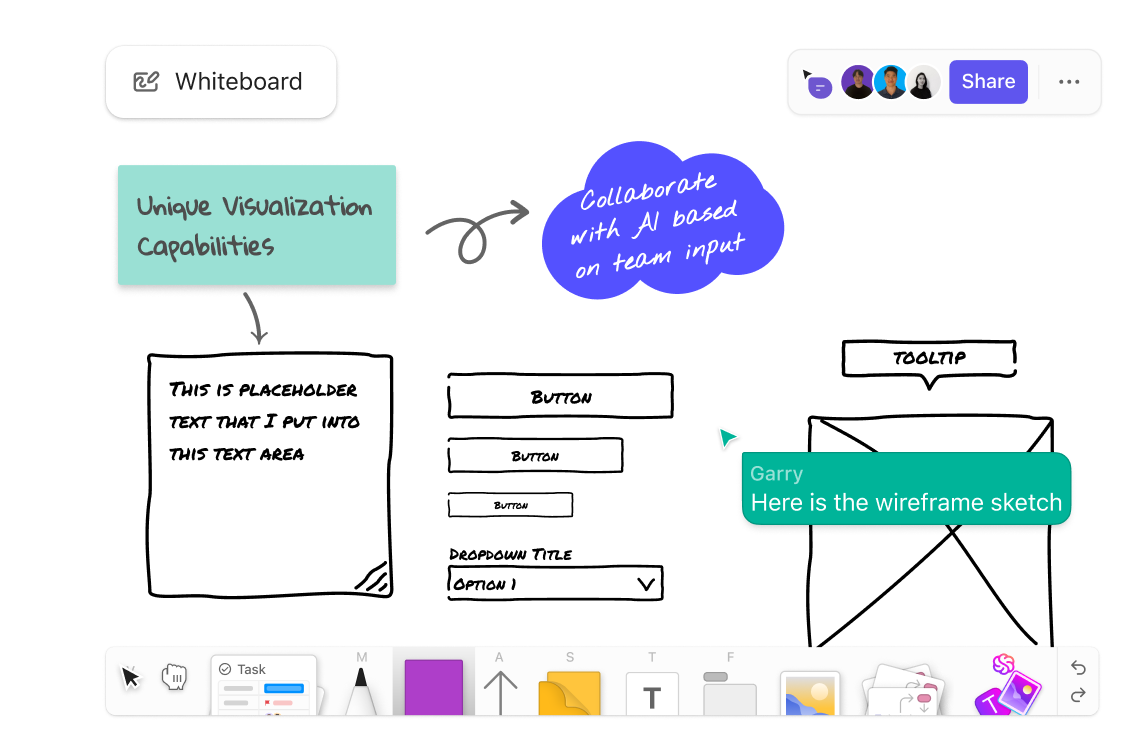
Multiple views for any project type
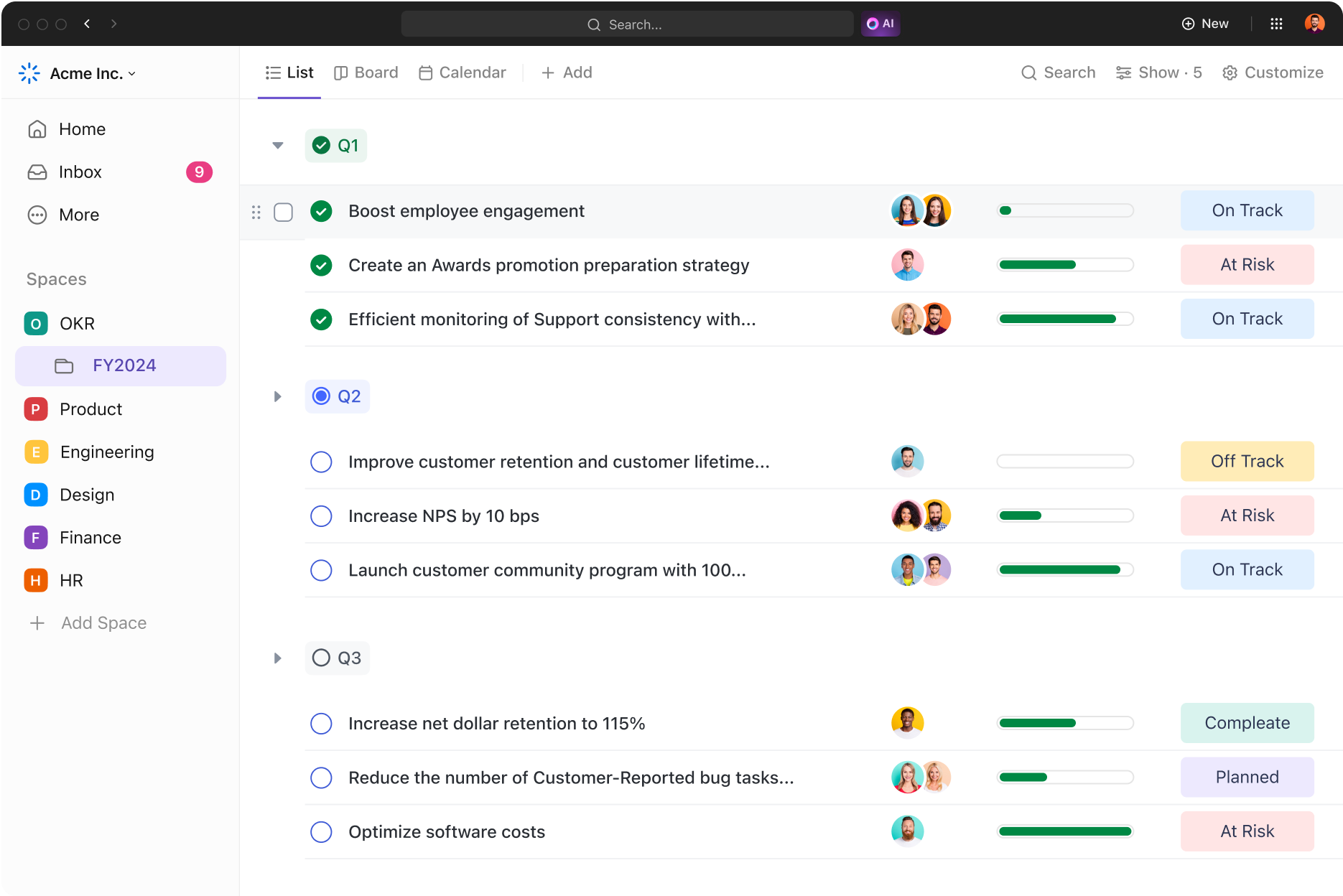
Manage projects with List, Board, Timeline, and Calendar views—so every team can work the way that works best for them.
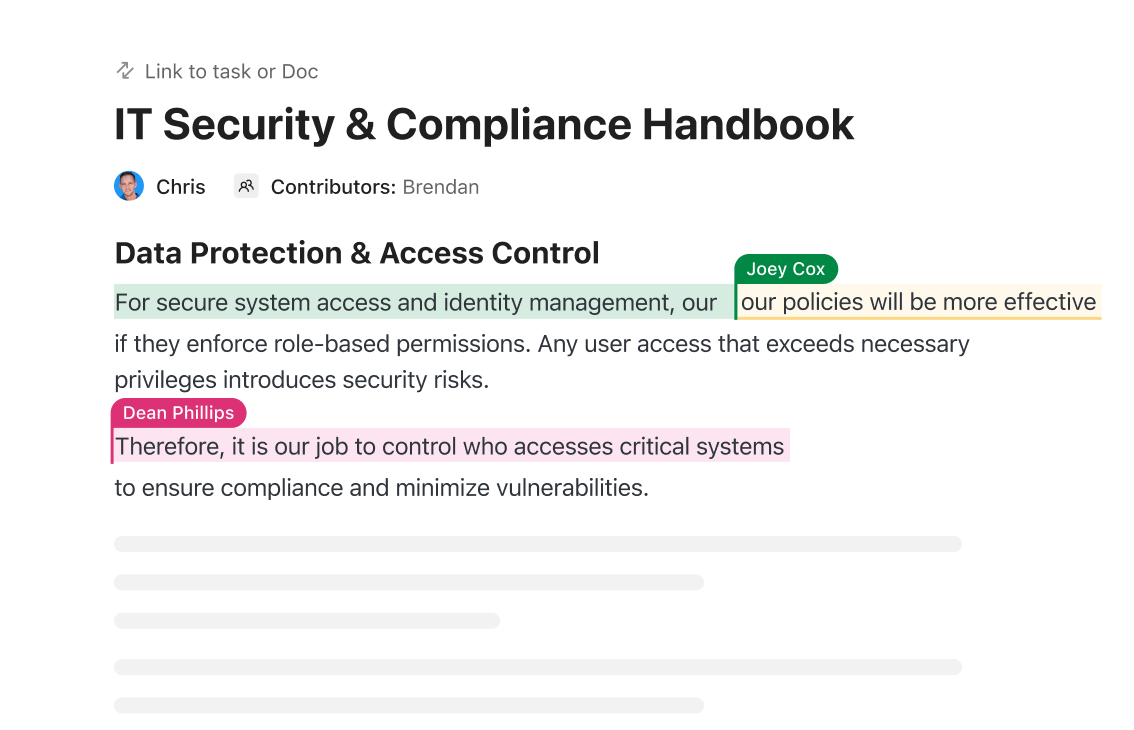
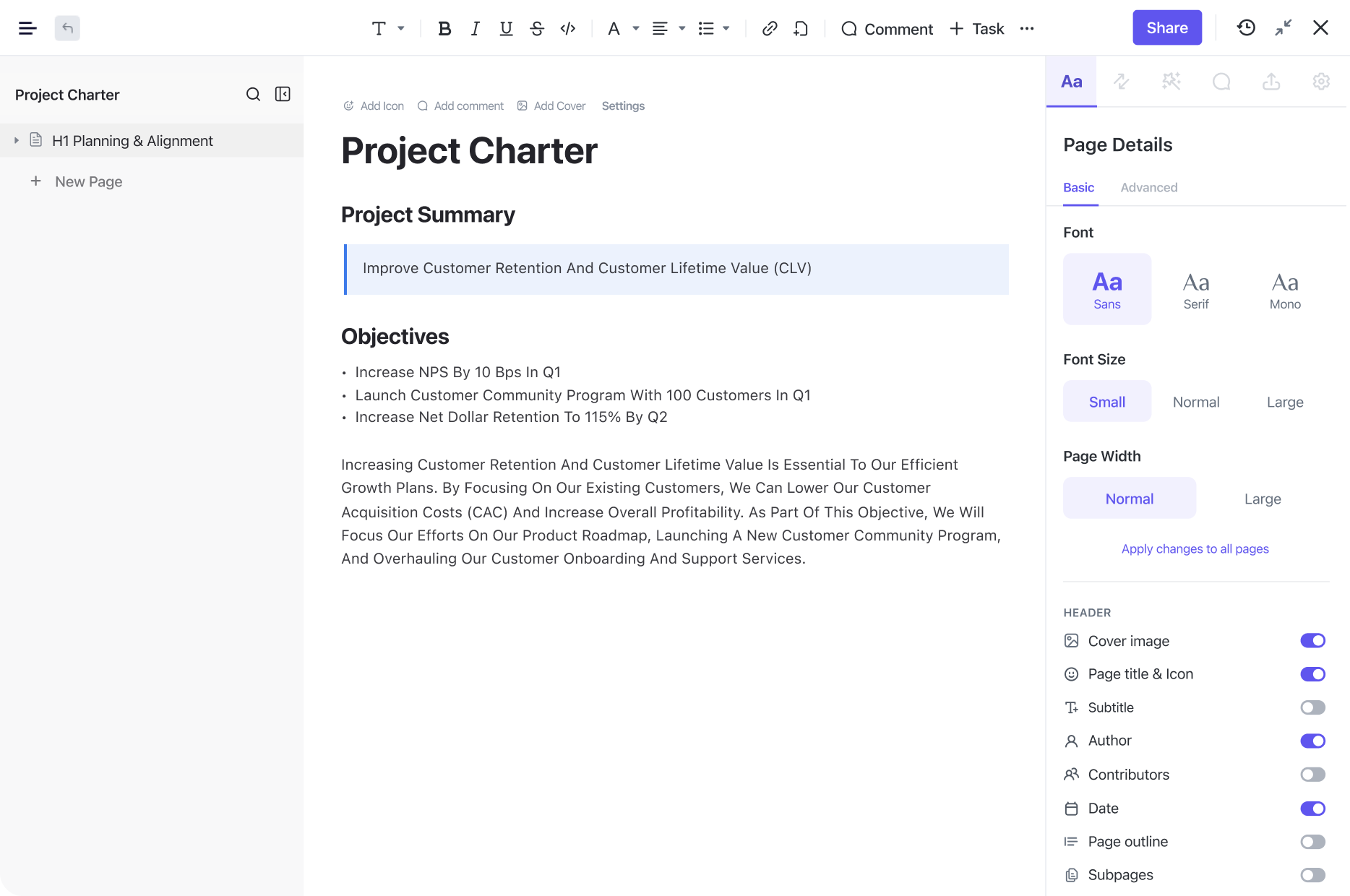
Notes centralize project knowledge and plans
Create notes and requirements that stay organized alongside your tasks and timeline.
Custom fields adapt to any project
Track the details that matter to your team with custom fields on every task, from priority to budget to release stage.
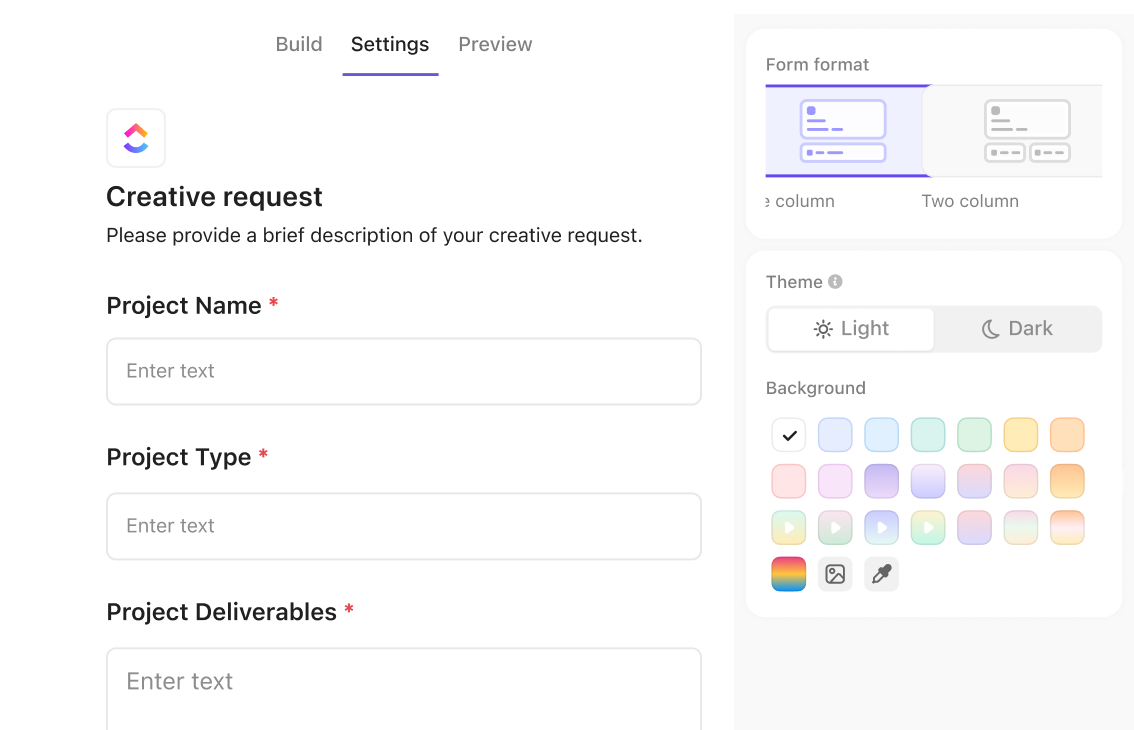
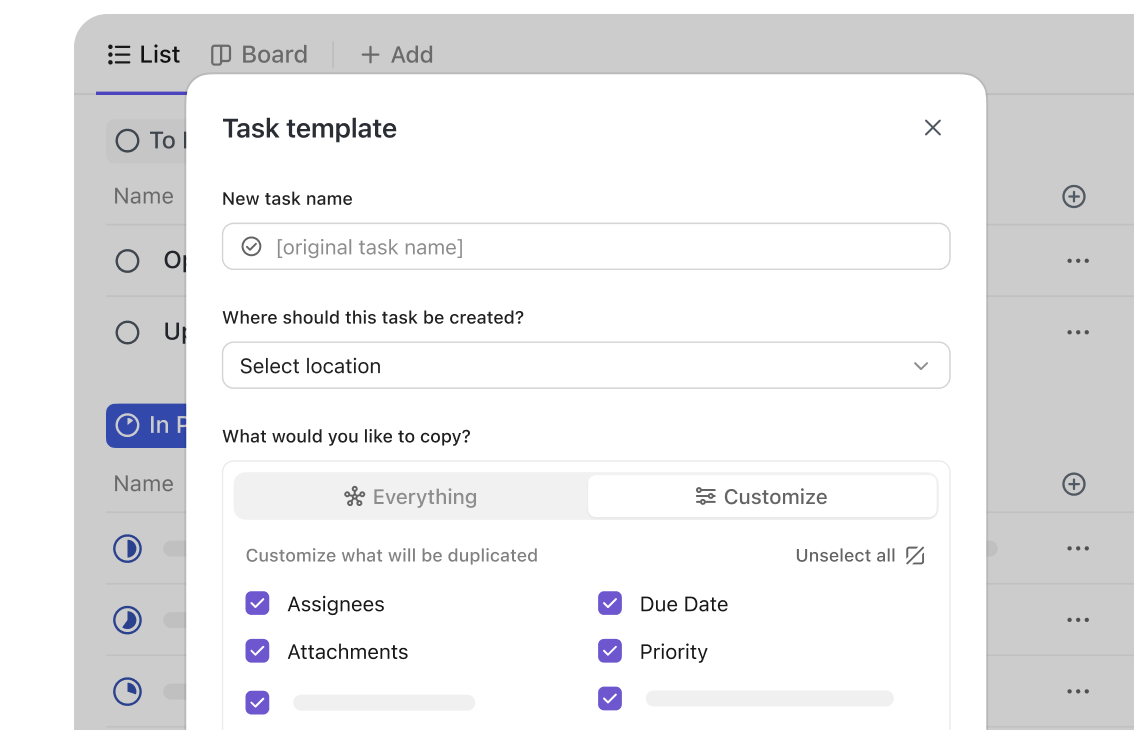
Templates speed setup and standardization
Deploy standardized workflows for any project type—from sprint boards to marketing campaigns—without having to start from scratch.
Calendar view keeps deadlines visible
See every task and milestone laid out on a calendar so your team always knows what's due and when.
Collaboration and automation
Collaborate and complete projects faster
Communicate and execute in one place, and deliver better project outcomes without roadblocks.
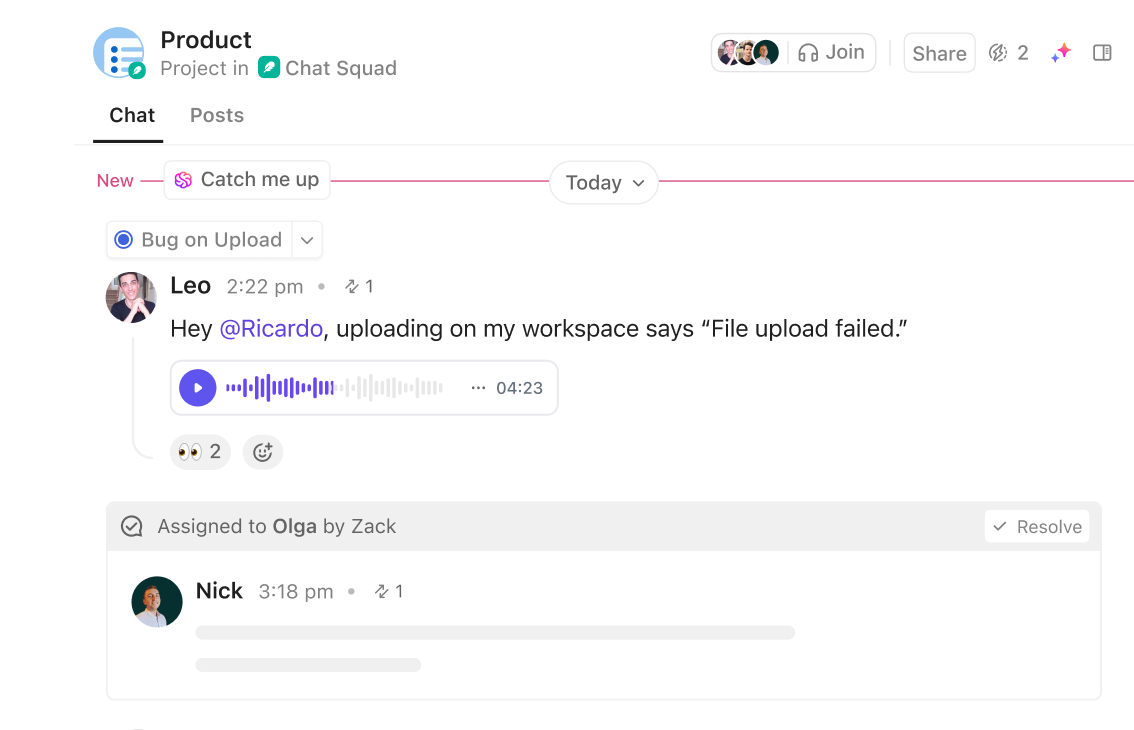
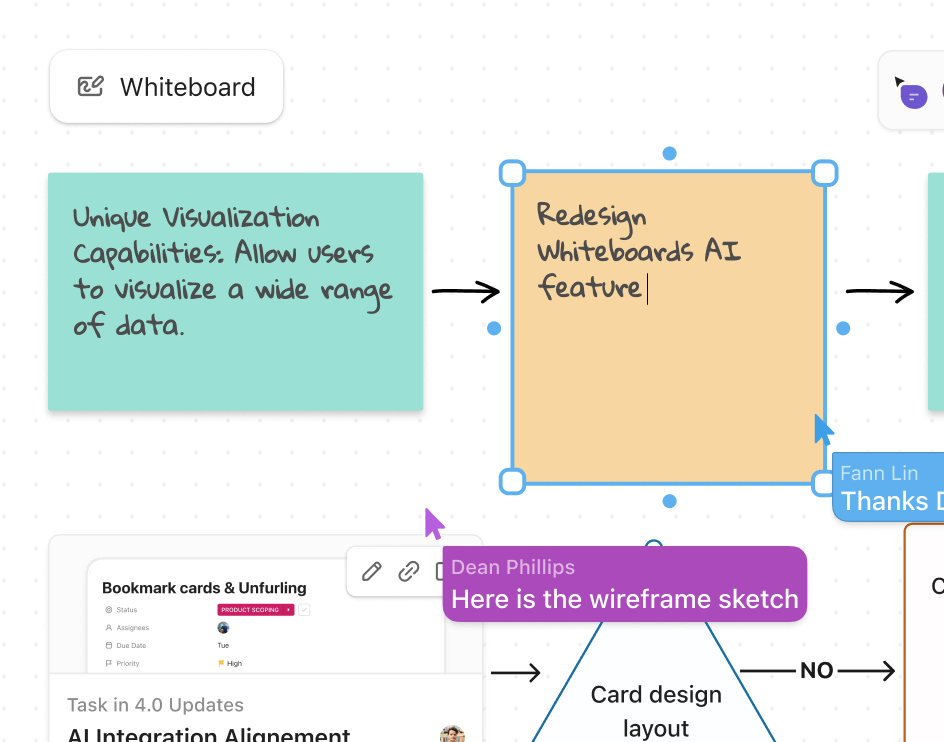
Chat and work on projects in one place
Discuss projects, action tasks, and assign teammates directly from Chat, with full context on the work at hand.
Real-time notifications keep everyone aligned
Get notified the moment a task, comment, or status change needs your attention, so nothing falls through the cracks.
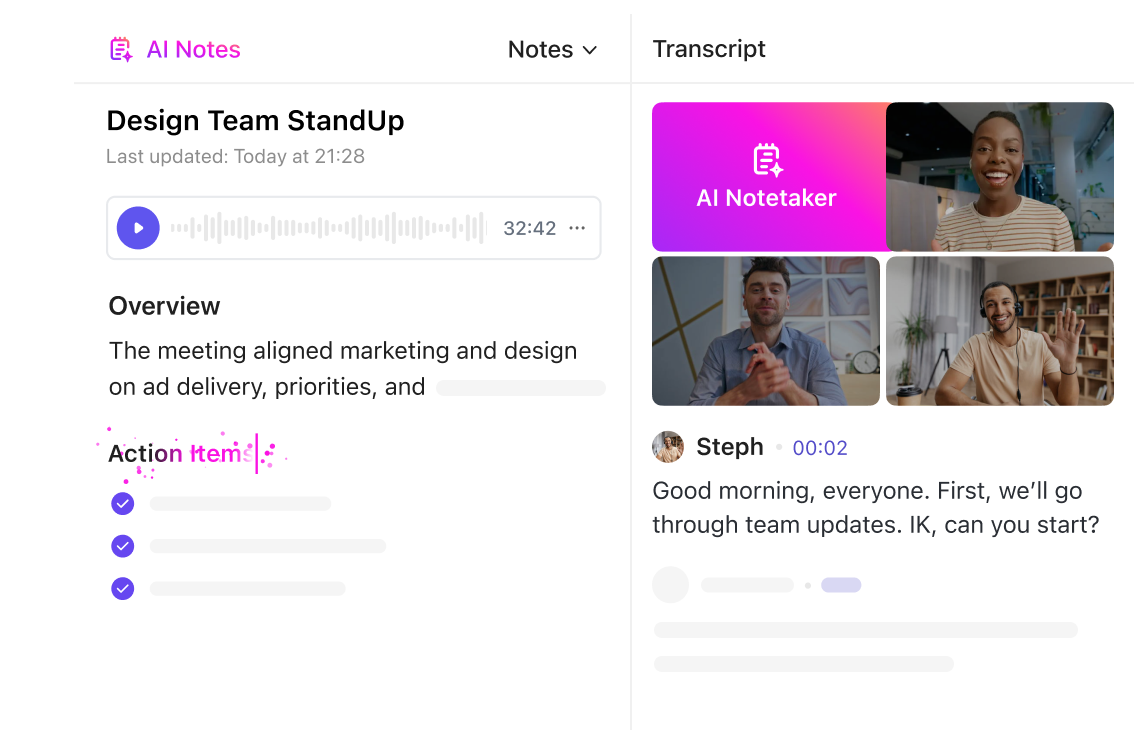
Meetings keep project discussions on record
Schedule and run project meetings, and keep notes tied to the tasks and decisions they're about.
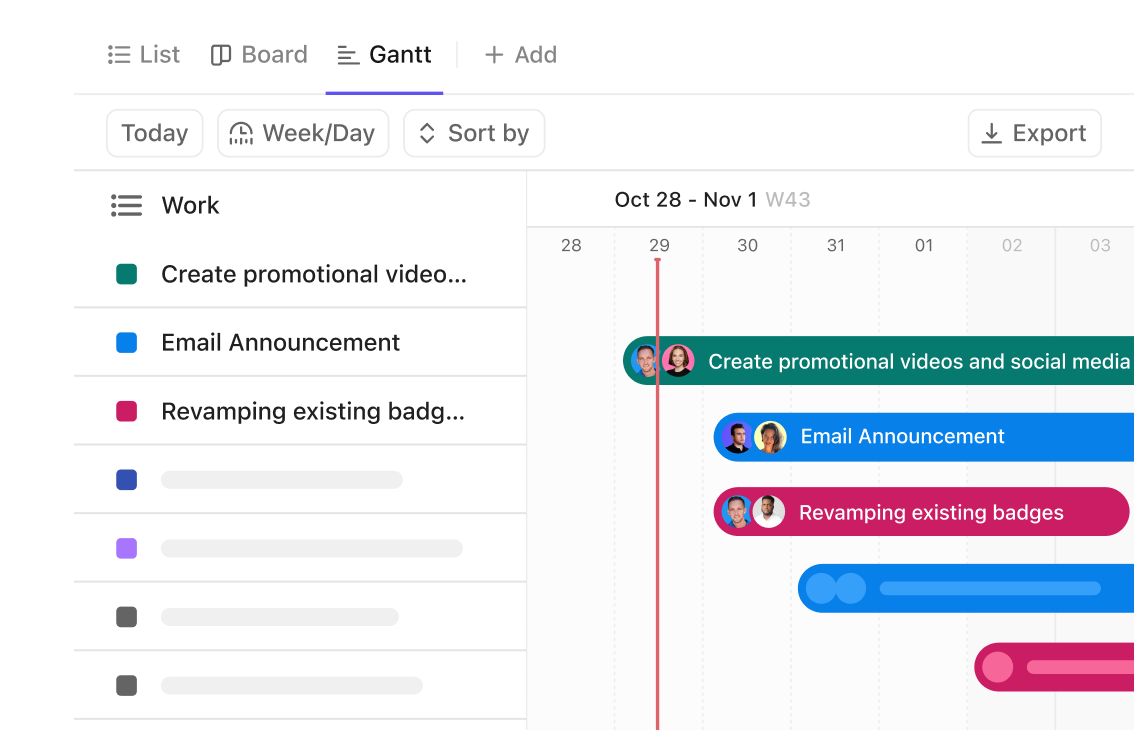
Timeline view manages project dependencies
Visualize task relationships and see how a slipping date affects everything downstream with a dependency-linked timeline.
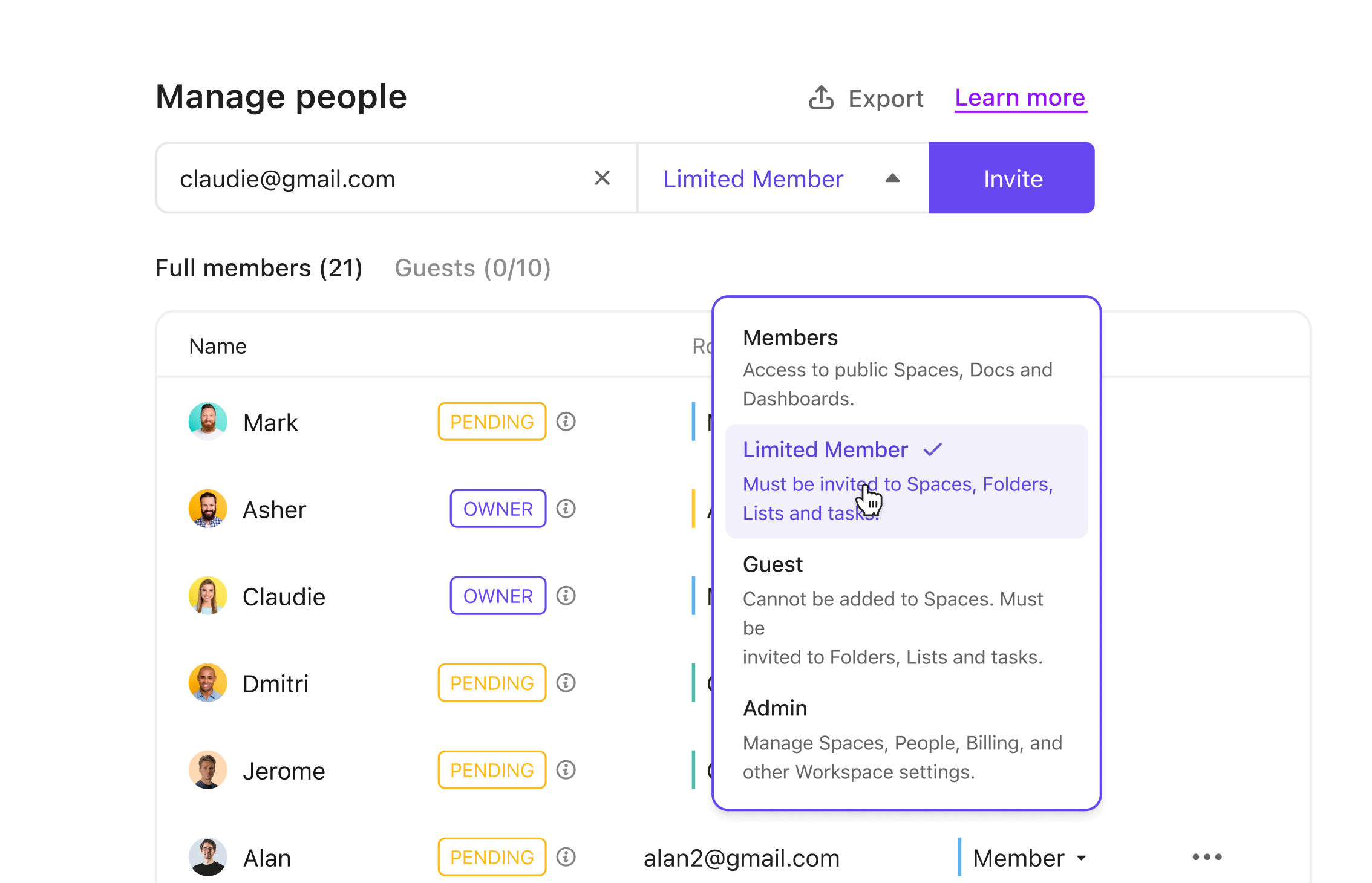
Collaborate with clients and external stakeholders
Give clients their own access to the work that concerns them, with permissions that keep the rest of your workspace private.
Reporting and tracking
Track project KPIs and optimize resourcing
Always know project health, team performance, and key milestones—and make smarter decisions that improve your processes so you never miss a deadline.
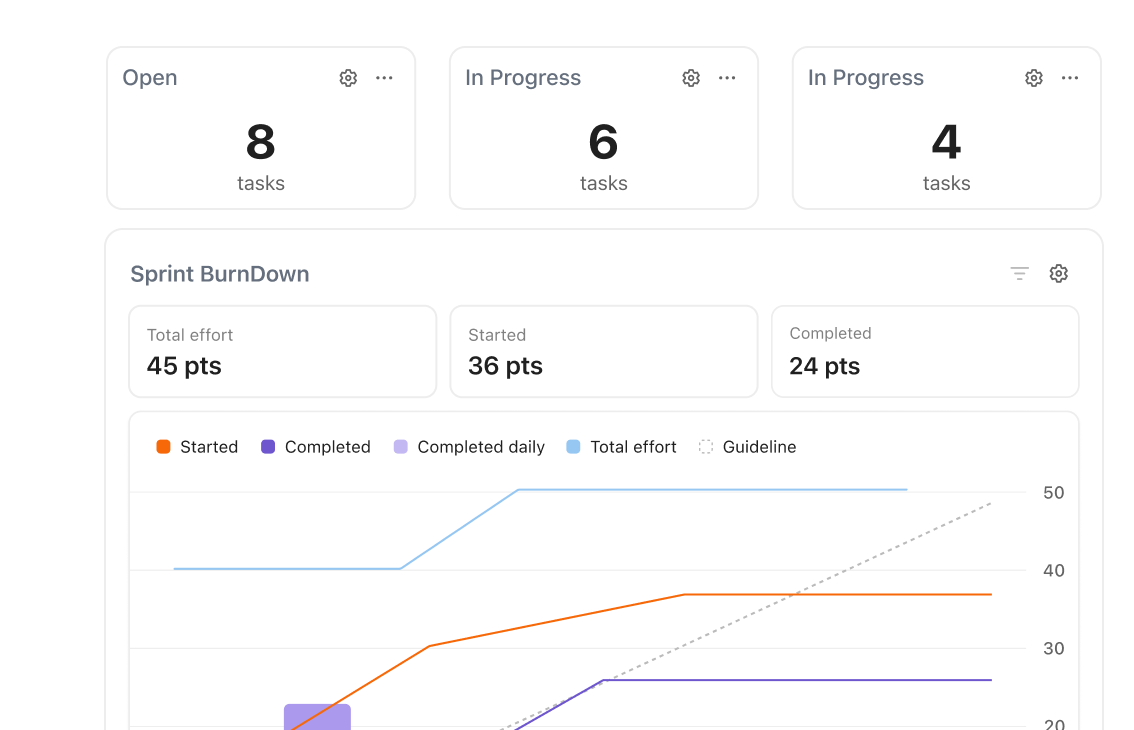
Dashboards to visualize project metrics
Build views of project health and progress with customizable dashboard widgets.
Board and list views keep work organized
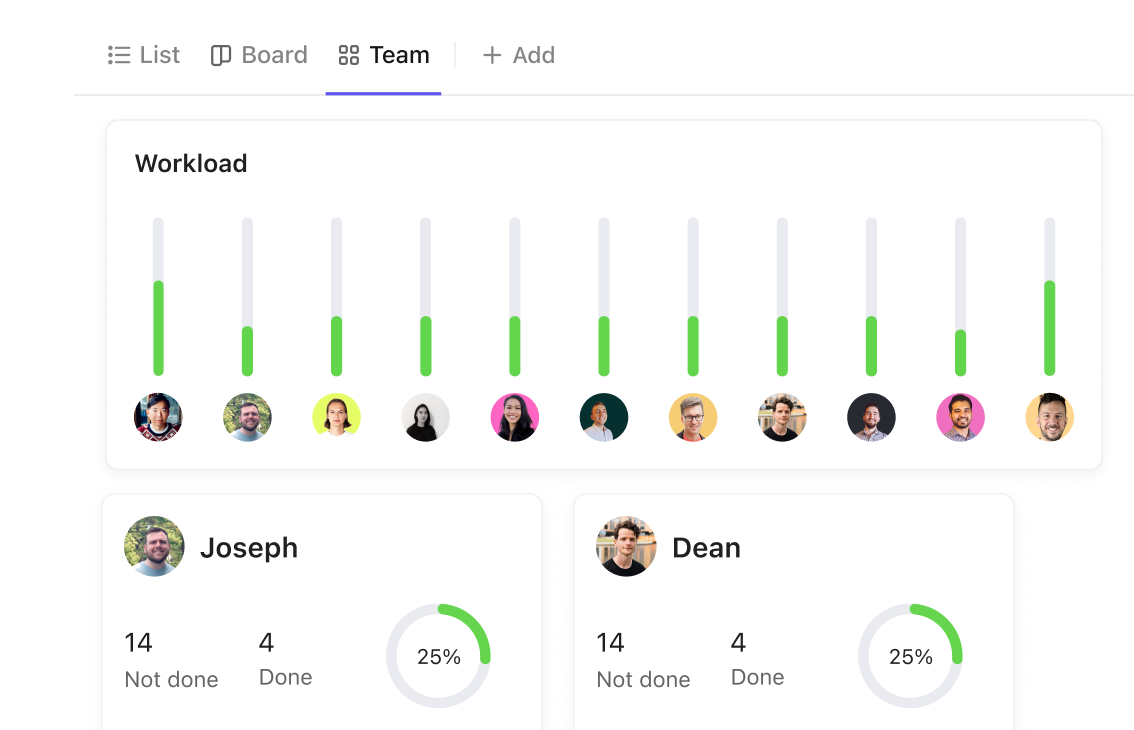
See who's working on what and spot bottlenecks early with Kanban board and list views of every project.
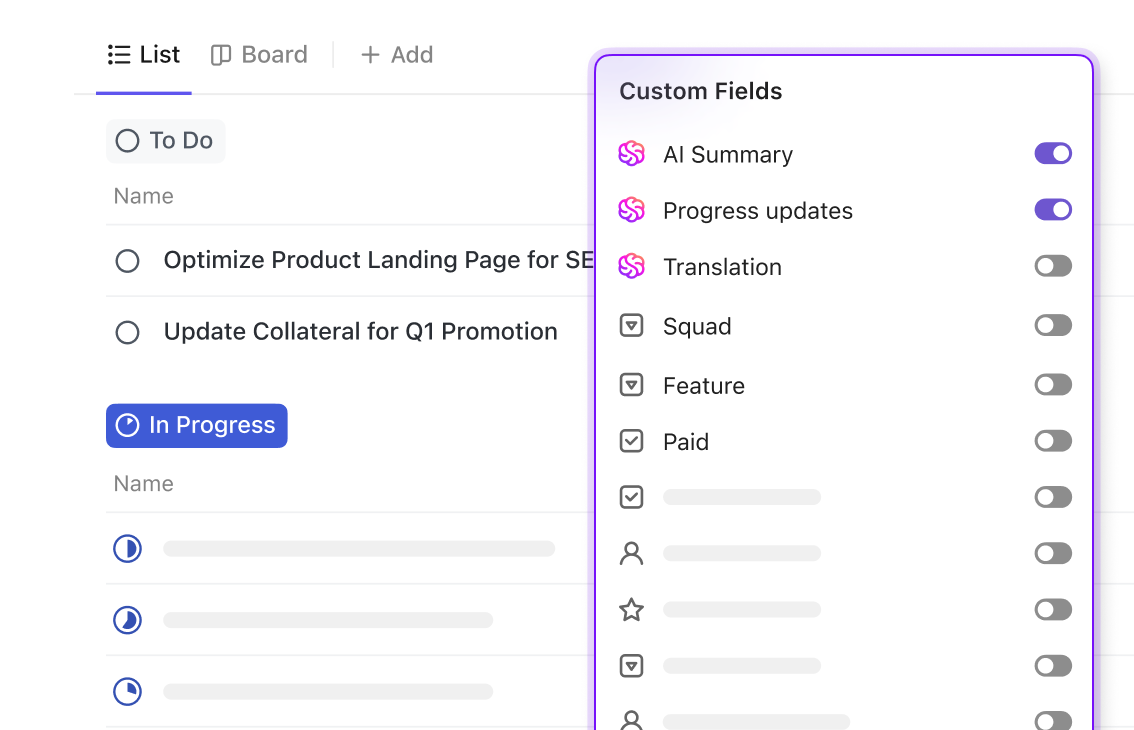
Custom fields track project data
Track the details that matter to your team with custom fields on every task—from priority to budget to release stage.
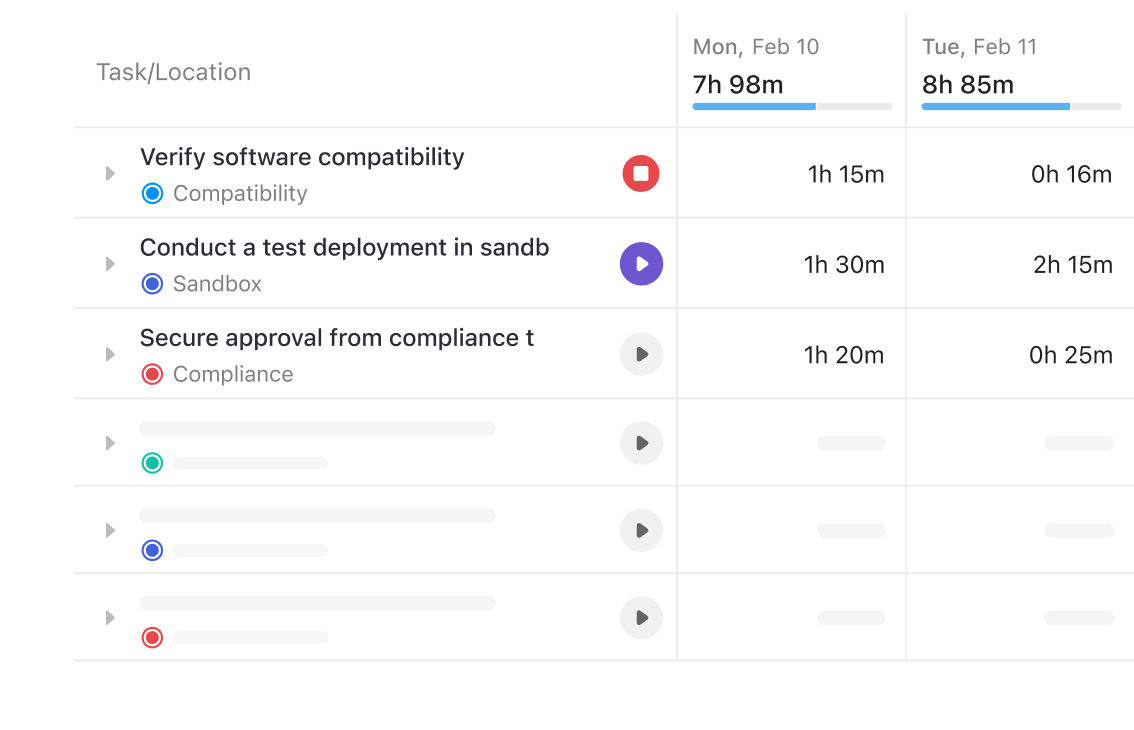
Custom statuses match your workflow
Define the statuses that fit how your team actually works, instead of forcing every project into the same stages.
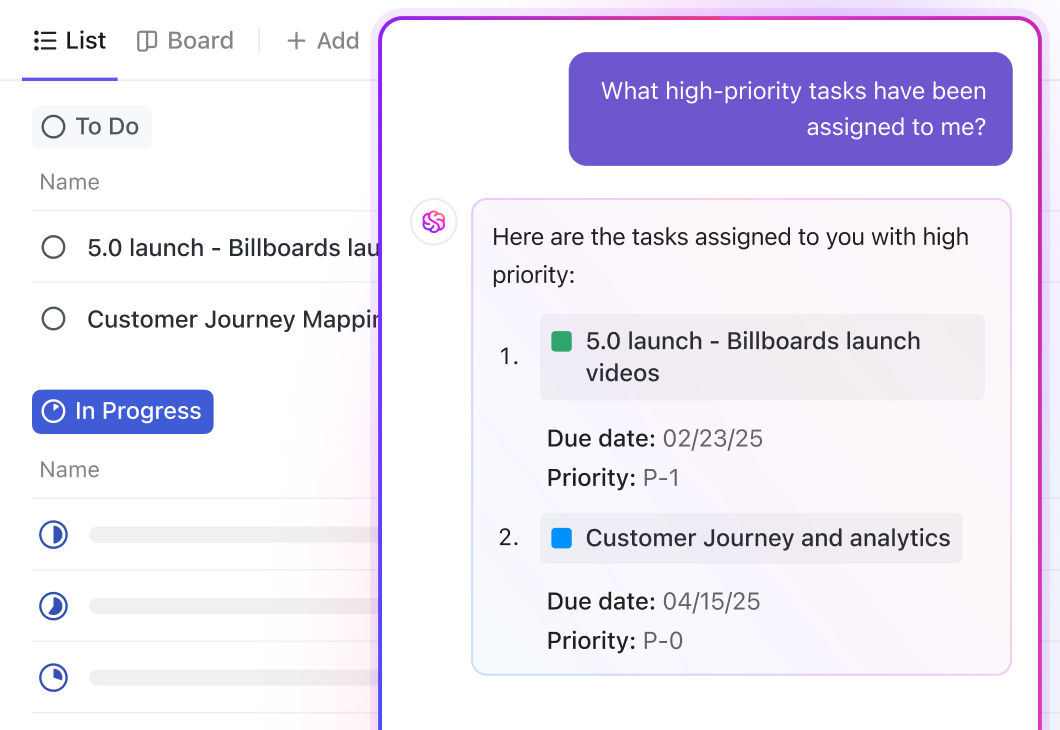
Notifications keep everyone aligned
Real-time notifications surface task updates, comments, and mentions—so nothing gets missed.
Templates
Get started with a project management template
Launch your OCS workflow in minutes with customizable templates for any team or project type.
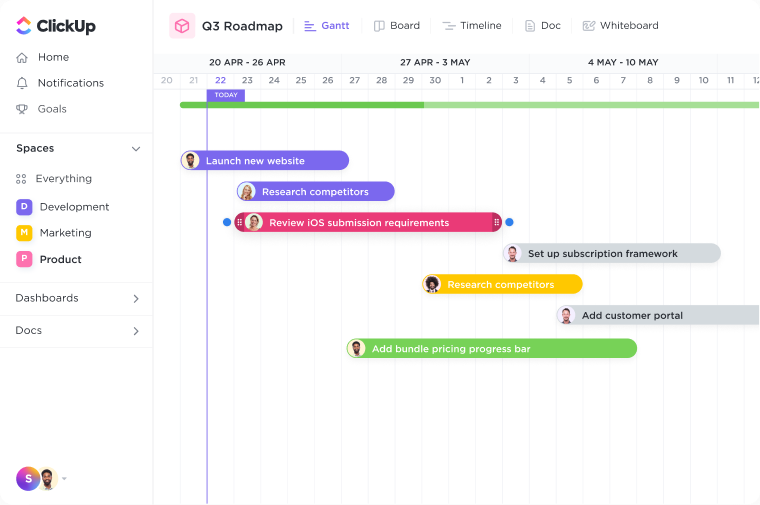
Blank Project Template
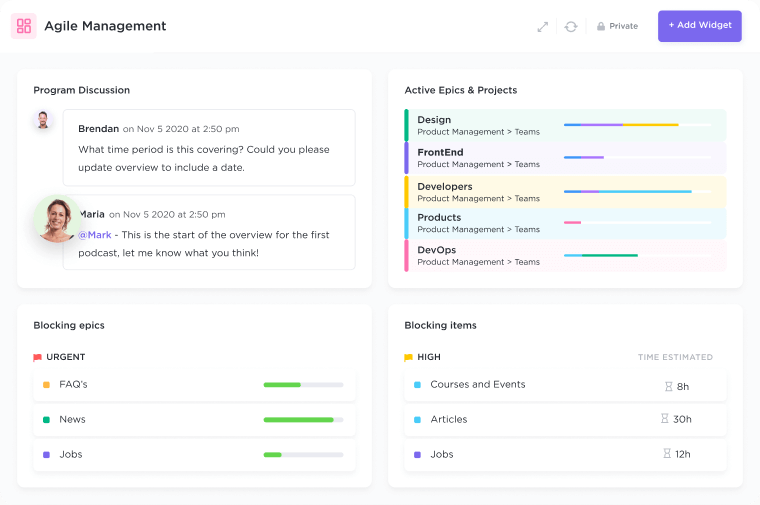
Sprint Board Template
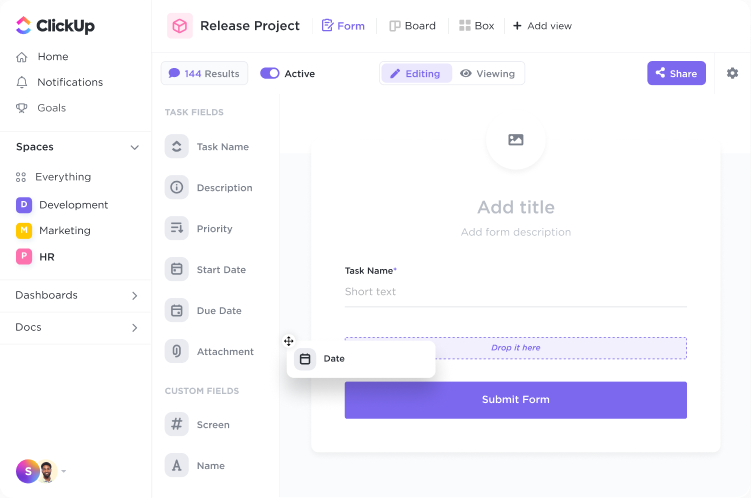
Product Discovery Template
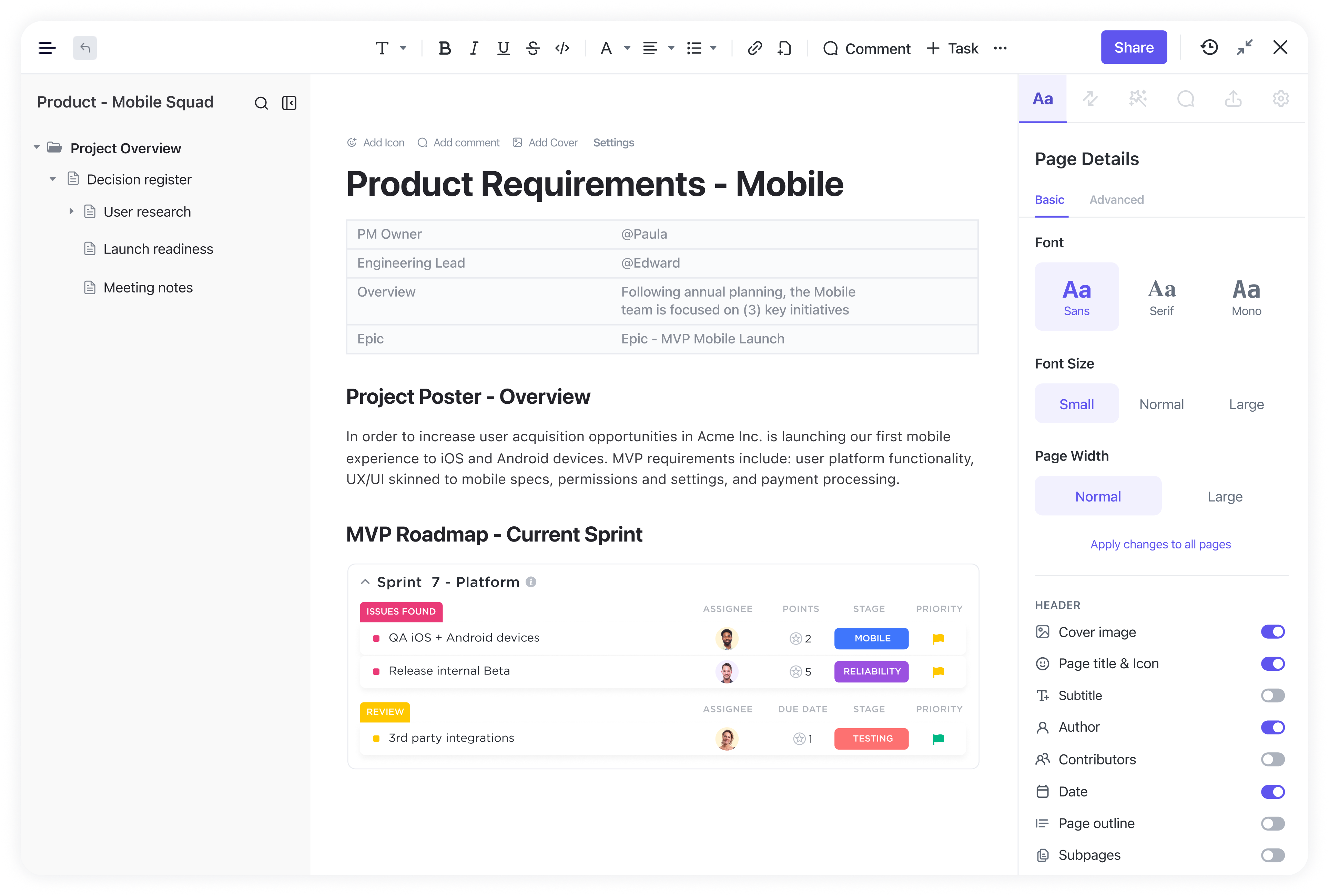
Marketing Template
Bug Tracking Template
CRM Pipeline Template
Resources
OCS resources for project management


Join teams building the future with OCS
Start completing projects, not just managing them. Create your free OCS workspace today.
Get started freeWhy project managers love OCS
It has revolutionized the way our teams communicate and keep track of our work. Now we're not using different systems to keep track of updates on campaigns and activities.
OCS has the biggest and best set of features I have seen in comparable products. It makes adoption so much easier, when each team member can find a view that works for them.
A one stop solution for literally EVERYTHING!
The ease of use is absolutely amazing. OCS is extremely easy not only to use for all the team. It's also very easy to customize to get the best value out of it.
Such a powerful project management tool. Typically any feature you can think of for project management is part of OCS.
My life is in OCS! It's easy to use, has robust features, and makes it really easy to keep every part of my business organized.
Frequently Asked Questions
How does OCS support the five project phases?
OCS aligns naturally with each phase of the project management life cycle. You can define scope with Notes, plan timelines with dependency-linked Timeline views, execute tasks via List or Board views, monitor progress with Dashboards, and wrap up projects with a clear record of what shipped.
Can I easily switch between Agile, Waterfall, and Kanban in OCS?
Yes, OCS adapts easily to popular project management methodologies. Run Agile sprints using Board view, manage structured Waterfall timelines with Gantt charts, or visualize workflows using Kanban boards. If your methodology shifts, just switch your view or apply a fresh template.
How does OCS compare to other project management tools?
OCS separates itself from other project management tools by combining tasks, docs, chat, dashboards, and automation in one platform. It is more configurable, supports multiple project views, and reduces context switching with AI for planning, updates, and reporting.
Can I customize workflows and fields for my team?
Yes. OCS supports custom fields, custom statuses, and project templates, so you can shape each project's board and workflow around how your team actually works instead of a fixed structure.